According to a report by Allied Market Research,” Global sales force automation software market was valued at $3,872 million in 2016, and is estimated to reach $7,773 million by 2023, growing at a CAGR of 10.6% from 2017 to 2023.”
Across the globe, the sales force automation software market is expected to have a significant growth rate. The reason is due to the rise in demand for automating the sales process instead of manual ones and effective utilization of the sales workforce across the developed & developing regions.
Let’s get to know something about the growing technology as it tends to be the future of sales operations and lead generation.
What Is Mobile Sales Force Automation? 5 Practical Applications
Table of Contents
Field sales reps lose a surprising share of their week to work that isn’t selling: filling in visit reports, chasing order approvals, updating spreadsheets and calling the office for the latest price list. Modern mobile SFA software moves that admin onto the rep’s phone, so more of the day goes to customers. This guide explains what mobile sales force automation is, how it works, and five practical applications with examples you can map to your own team.
The category is growing for good reason. Allied Market Research valued the global sales force automation software market at $3,872 million in 2016 and projected it to reach $7,773 million by 2023, a CAGR of 10.6%. Businesses in both developed and developing regions want to replace manual sales processes with automated ones and make better use of their sales workforce.
What Is Mobile Sales Force Automation?
Mobile sales force automation (SFA) is a software platform, usually delivered as a smartphone app with a manager dashboard, that automates the routine work of a field sales team. It records and organises the communication and activity between salespeople and customers: visits, calls, orders, follow-ups and payments collected.
The main aim is simple. SFA takes repetitive, time-consuming tasks off salespeople and their managers so both can concentrate on selling rather than on administration.
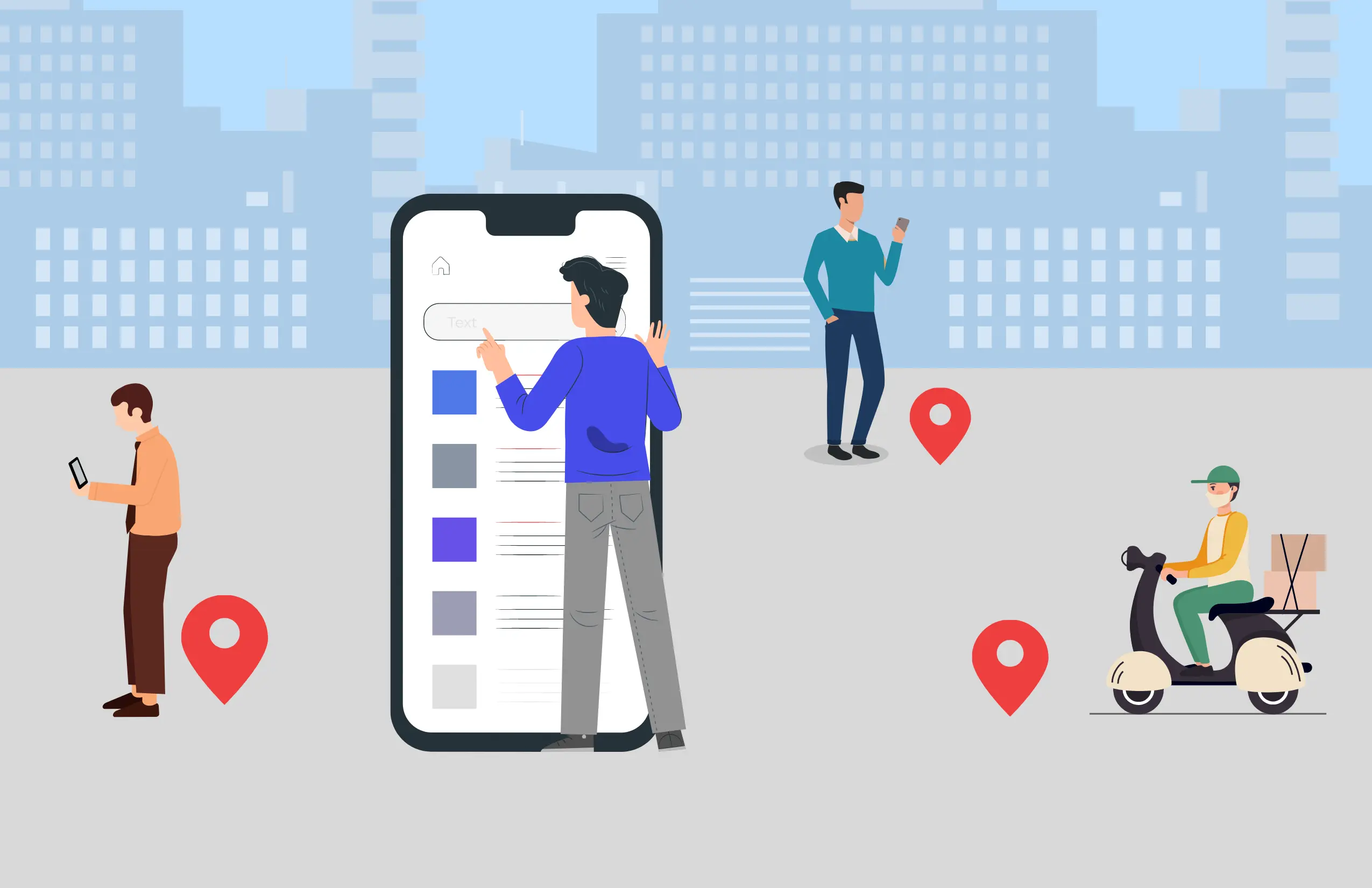
How it works in practice. A rep opens the app at the start of the day and sees an assigned list of visits. At each stop they check in, log meeting notes, record any order and check out. Everything syncs to a central dashboard, where the manager can see who visited which customer, what was discussed and what is still pending. No end-of-day phone calls or paper reports are needed.
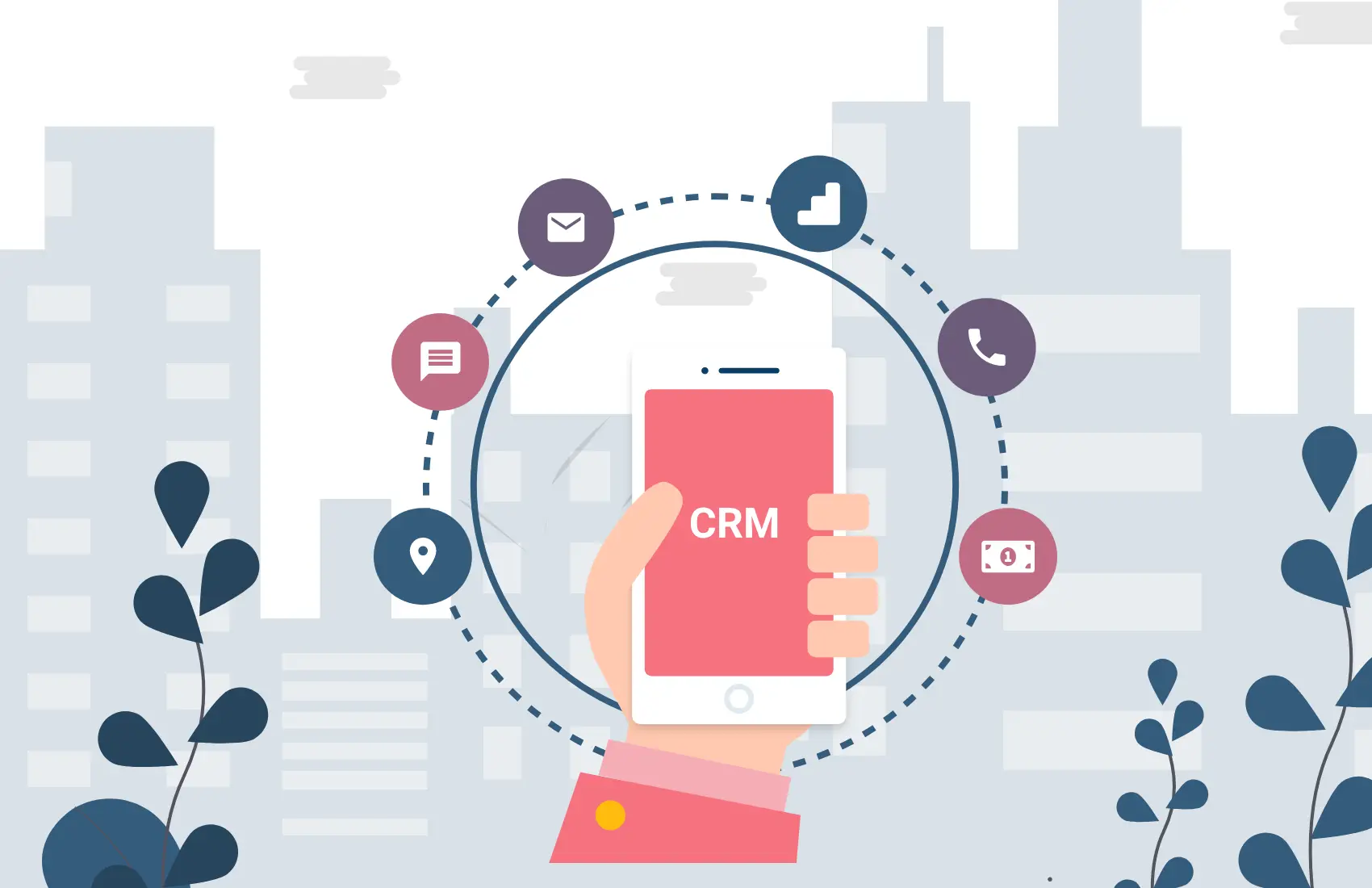
How it differs from a CRM. A CRM mainly stores customer records and deal history and is often used from a desk. Mobile SFA is built around the rep’s day in the field: the route, the check-ins and the orders taken on the spot. The two work best together, with SFA capturing field activity and the CRM holding the long-term customer picture.
Who uses it. Consumer goods distributors, pharma medical representatives, insurance and banking field staff, and any business where people regularly visit customers in person.
5 Practical Applications of Mobile Sales Force Automation
1. Automating Field Sales Processes and Strategies
Mobile sales force automation software takes over the outdoor sales tasks that eat up a rep’s day, such as planning the visit order, logging each meeting and reporting back to the office. That lets reps make more client visits per day, which raises the chances of converting leads.
Example: Picture a distributor with 20 reps, each covering about 40 retail outlets. Without automation, beat plans live in spreadsheets and managers only learn about missed outlets days later. With an SFA app, the manager assigns the beat plan once, each rep opens a ready-made visit list every morning, and skipped outlets are flagged the same evening.
The time saved also pays off in quality. With more room in the day, reps can refine their sales strategies, build stronger customer relationships and present new products properly instead of rushing through a visit.
2. Lifting Overall Sales Team Productivity
Managing visits, sending follow-up messages, tracking orders and keeping contact details current are all necessary and all slow when done by hand. SFA automates much of this, so the team completes more activities in less time.
Example: A rep finishes a client meeting, types a quick note in the app and sets a follow-up date. The reminder fires on that date, and the manager can see the next step without asking. Nothing relies on memory or a notebook.
Reps can also open order information instantly, which makes it easy to track orders and send accurate invoices. Shorter response times mean customers get answers faster, and that directly improves satisfaction.
3. Simplifying Sales Order Management
Order management covers everything involved in processing and fulfilling a customer order efficiently. When it runs well, sales rise, customers stay and relationships remain strong. Customers who receive orders on time are far more likely to remain loyal over the long term.
Digitising it through SFA cuts the time needed to record an order. Many apps also suggest relevant schemes and offers at the point of sale, which can increase order size.
Example: A rep is with a retailer who wants ten cases of a product. The app shows that a “buy 10, get 1 free” scheme is running, the retailer adds a few cases to qualify, and the confirmed order reaches the back office within minutes. No paperwork is retyped, and the retailer receives stock on schedule.
4. Sharper Data Analysis and Sales Forecasting
Every sales activity appears on the SFA dashboard, which makes it possible to scan large amounts of data in minutes and make better decisions. Automated reports show the right time to follow up and where sales can be improved. Built-in analysis generates these reports from the data your team already records, so no one has to compile them manually.
Example: A sales manager notices that one territory has plenty of visits but very few orders. Drilling into the visit notes shows that a popular product has been out of stock there. The manager fixes the supply gap that week instead of discovering it at month-end.
Over time, the same data supports forecasting. Patterns in past orders, visit frequency and conversion rates help managers predict demand and set realistic targets.
5. Stronger Collaboration Within the Sales Team
SFA improves communication across every team in the company. Reps can access customer data and sales analysis with a tap, and the software becomes a one-stop reference for everything a field employee needs to know about customers and products. It also keeps the sales team in sync, with complete transparency.
Example: A rep covering a colleague’s leave opens a customer’s profile and sees the last order, previous meeting notes and an open complaint. The customer experiences continuity instead of having to explain everything again.
Managers benefit too. With one shared source of truth, feedback and coaching are based on recorded activity rather than guesses.
Getting Started With Mobile SFA
You don’t need to roll out everything at once. A practical approach is to begin with one team or territory and define a few clear measures, such as visits per day, order value and follow-up completion. Train reps on the daily routine first, then add reports and forecasting once the data is flowing.
When comparing tools, check for GPS-based check-ins, meeting notes, task assignment, reporting dashboards and ease of use on a basic smartphone. Adoption by your reps matters more than a long feature list.
Wrapping Up
Well-implemented mobile sales force automation improves engagement between the field workforce and the people managing them. It opens the door to open communication, greater trust and more sales revenue. As the technology matures, SFA is likely to add more artificial intelligence, such as smarter visit suggestions and demand prediction, which will further improve productivity and efficiency.
FAQ
What is mobile SFA software?
Mobile SFA (sales force automation) software is an app-based system that automates the routine work of field sales teams, including visit planning, check-ins, meeting notes, follow-ups and reporting, so reps can spend more time selling. Reps use the app on their smartphones while managers follow activity in real time on a dashboard. Lystloc’s mobile SFA app adds GPS-tagged check-ins, task assignment and automated field sales reports.