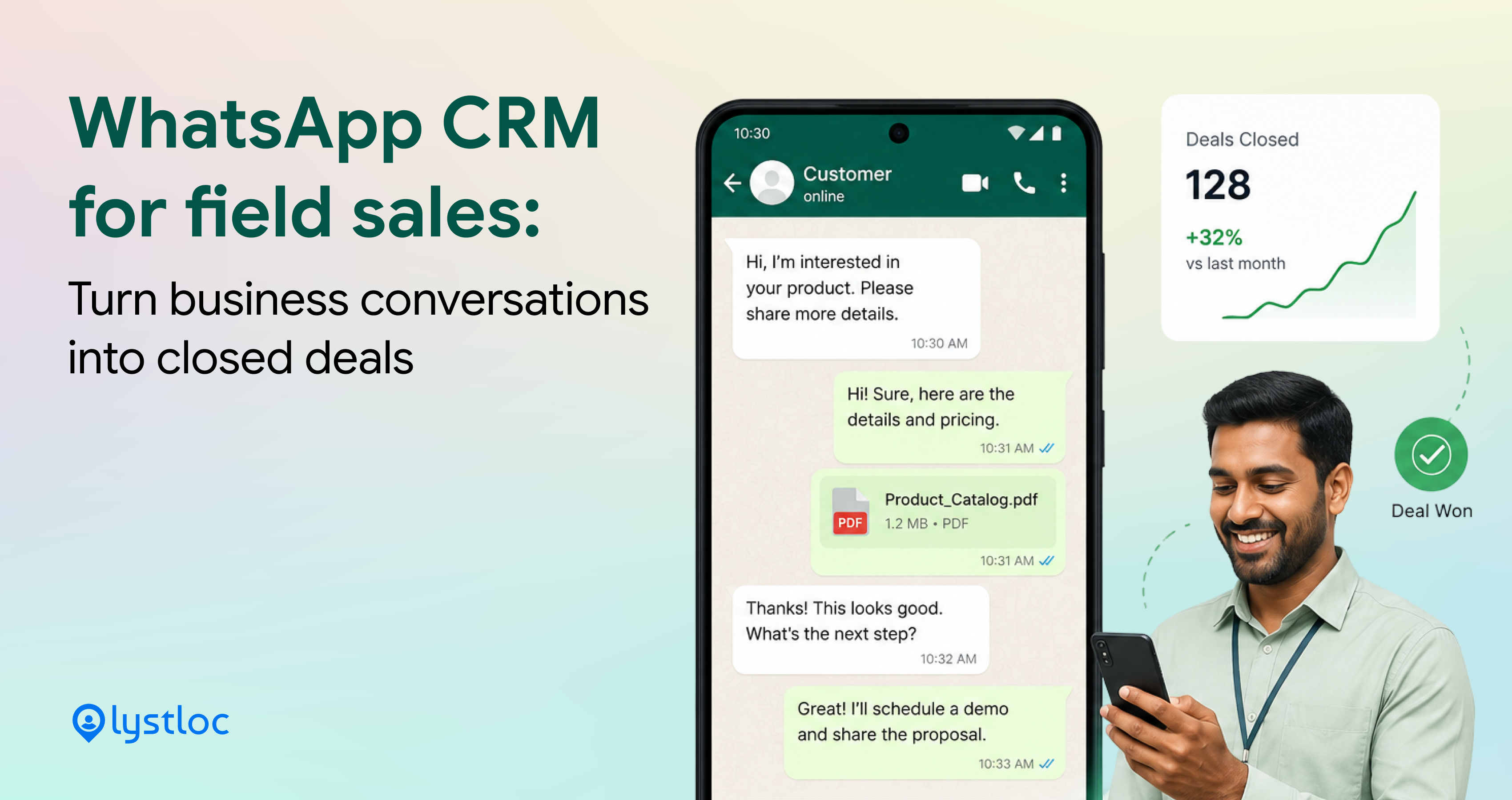
Is your sales team sending 1000 whatsapp messages every week? Did you analyse how many of those conversations really turn into closed deals? You don’t have an answer, right?
Now managers don’t have visibility on which client your field rep spoke to, what was the lead stage, how the price negotiations went, and which lead is going cold in silence?
These problems might stop you from doing work. Imagine, what would happen if you have a Whatsapp CRM for field sales? So, you can view all the client’s Whatsapp conversations in one place.
That’s how LystCRM Whatsapp works exactly. Continue reading this blog for detailed Whatsapp lead closure in a simple trick.
Getting Started with WhatsApp CRM Integration
Table of Contents
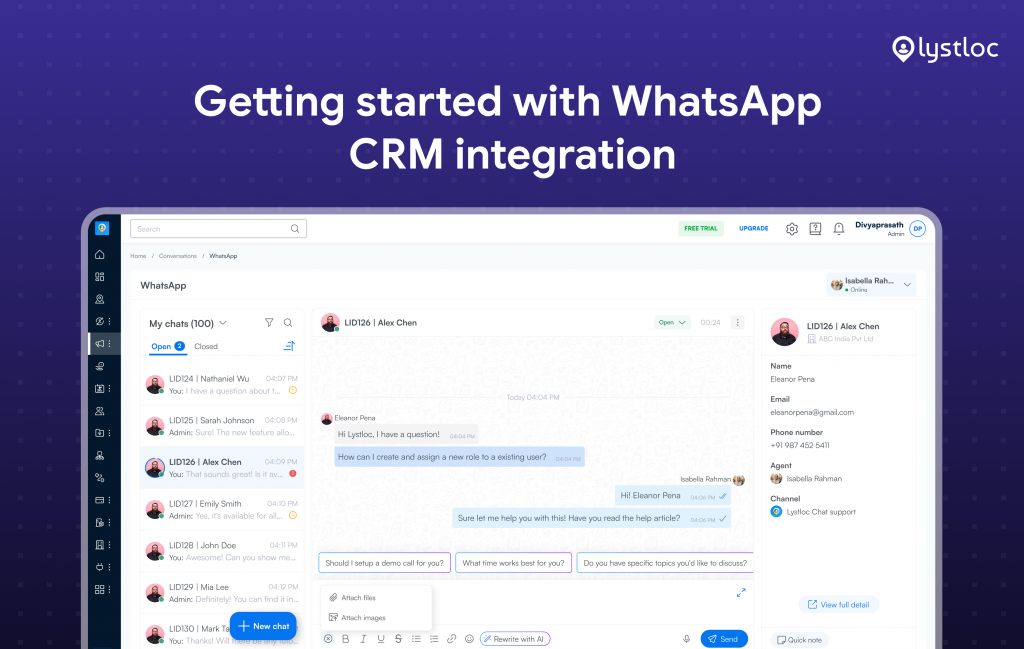
WhatsApp has two billion active users globally, businesses use it for various purposes. Every CRM handles WhatsApp’s conversation differently. Some provide it as a top-notch, integrated feature, while others need middleware, a third-party marketplace app, or a separate add-on layer to enable basic syncing.
Connecting WhatsApp to your CRM is much simpler. You don’t need a developer or any technical setup. Lystloc provides direct Meta official integration for your business. You just need a business phone number to get started. Just follow the guided steps inside LystCRM, verify your number, and your WhatsApp Business account is linked to your CRM in minutes.
Instead of toggling between the CRM and a separate WhatsApp Business app, you can use our Whatsapp CRM for field sales and grow your business faster.
Shared Inbox – For Your Field Team
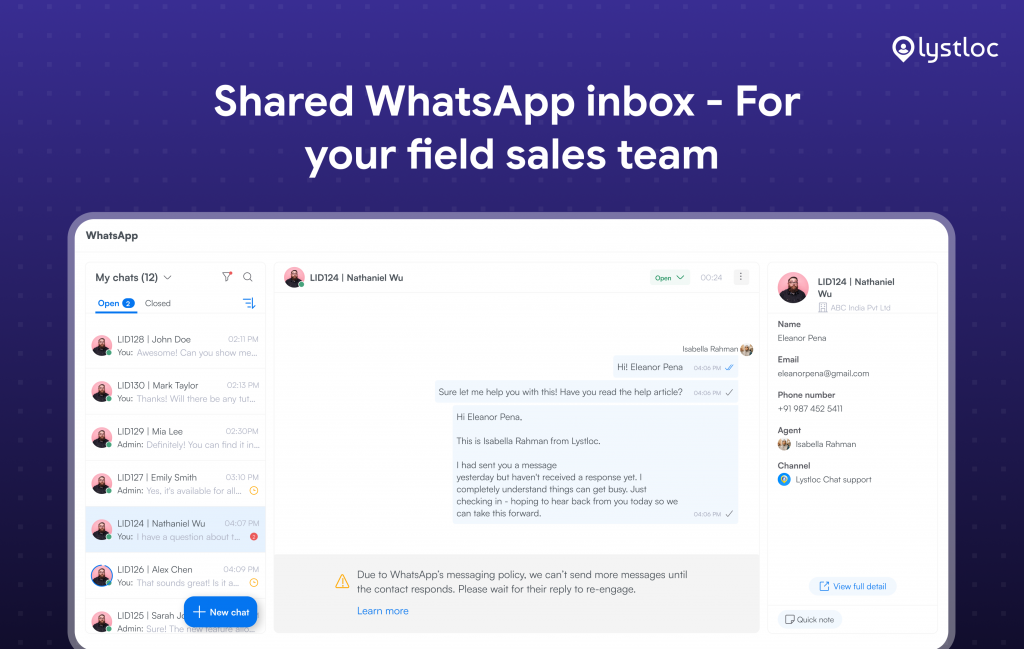
You can handle all your customer conversations in one place, right from your CRM. Your team can send messages, run campaigns on WhatsApp, and reply to customers faster. Also, send replies, negotiate prices, update customers about products, and promote your business. Various teams such as sales, HR, maintenance, delivery, and field teams can manage every customer details via a single dashboard.
Every chat stays in a shared inbox, so the right people can access it, assign it to the right representative, and track its status as open or closed.
If the rep who was handling a lead is out of sick or leaves the company, the lead doesn’t just disappear. Anyone on the team can step in, see what’s already been discussed, and pick up the conversation, without starting over or making the customer repeat themselves.
Quick notes added to a conversation sync instantly with the contact’s CRM record. So if a lead is reassigned, or the original rep is unavailable, the next person can see the details immediately.
Measure Your Campaigns – WhatsApp at Scale
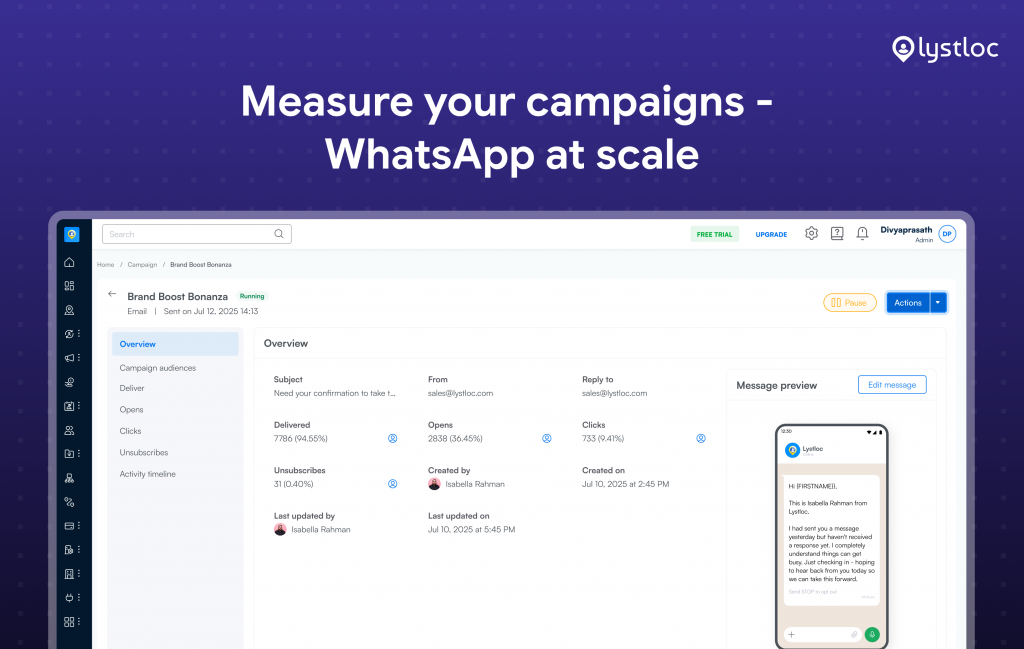
Lystloc’s WhatsApp feature isn’t limited to one-on-one conversations. You can run bulk whatsapp marketing message campaigns. Any offers, discounts, new features, product updates or festival messages can also be shared in a single click.
Customer interactions may contain sensitive information. LystCRM handles WhatsApp chat with specific, role-based permissions, just like any other CRM data. Only CRM administrators, the account owner, and the particular person can see the chat history.
CRM’s permission module controls who can access the Chat Interface, start campaigns, and see campaign metrics. This creates trust and reliability over customer information. Once a campaign goes out, you get real numbers – delivered, read, replied, clicked. So you know what’s actually resonating with your audience, not just that messages were technically sent.
WhatsApp Message Templates: Transactional, Marketing & Authentication
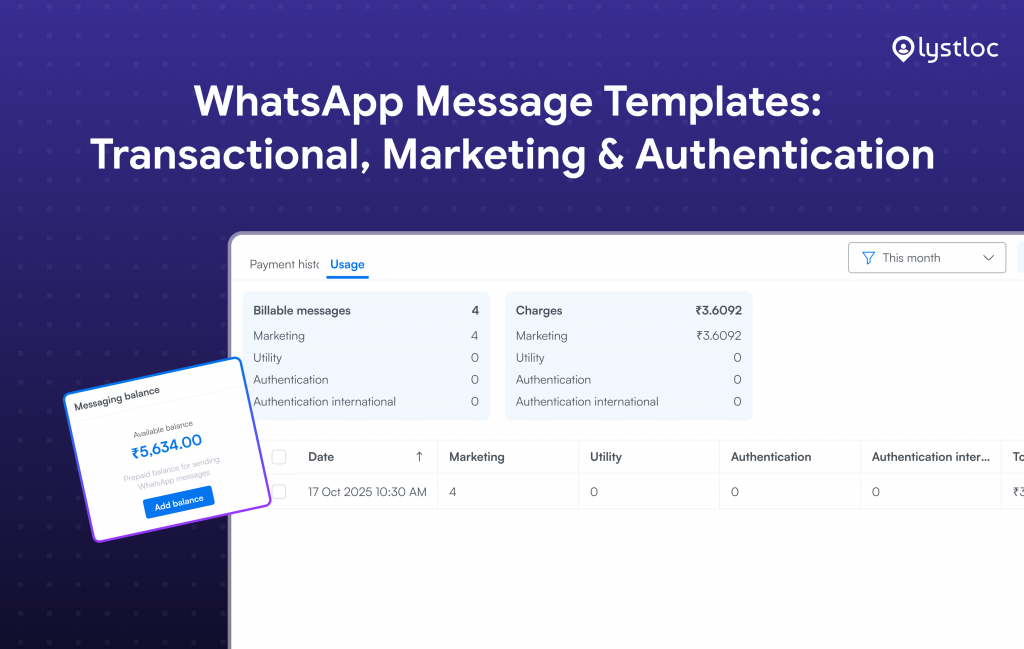
WhatsApp has strict rules for any bulk marketing messages. Every template must be approved first and the approval is usually fast, it can take up to 24 hours. The approval process can be hectic and time-consuming, and not every business can assign a dedicated person to handle template approvals with WhatsApp.
LystCRM provides pre-approved, usable templates that cover all business communication needs, which is organized into 3 categories.
- Transactional updates – transaction status, reminders and order confirmations.
Whenever you want to send or receive transactional messages, you can use this template. With this you can verify order status, shipment, and so on.
- Marketing communications – promotions, announcements, and offers
When you want to promote your products or services, this template can be used. You can reveal product/service offers, cashback, new announcements, and more.
- Authentication messages – verification codes and one-time passwords (OTPs)
This template helps you to send confidential information such as verified codes, and OTP’s. When you want to build trust between your clients,you can use this template.
With LystCRM’s dynamic variable support, you can use a single approved template for all of your customers. You don’t have to create a new template for each one. A single template such as “Hi (First Name), your appointment is confirmed” can be sent in large numbers. It automatically customizes itself for each recipient, making every communication encrypted.
WhatsApp’s 24-hour customer support window is an important idea to understand here:
You have a 24-hour window to reply for free, using a regular message. The 24hrs window starts, once your customer replies back. If your team responds within that window, there’s no extra cost and no template needed. But if it is beyond 24hrs, you can only reach that customer again using an approved template.
Send, Track & Manage – Whatsapp Campaign Messages
LystCRM’s WhatsApp Campaign module allows your teams to send authorized template messages to entire customer categories at once. More than individual conversations, it is perfect for promotions, reminders, or product announcements. Campaigns can be planned at any time, and recipients can be sorted using pre-existing CRM views. Also, any ongoing campaign can be paused or restarted when priorities change.
Every campaign has built-in performance indicators, such as messages delivered, messages read, responses received, and delivery failures. It gives clear visibility to teams about what is actually reaching customers rather than simply sent.
Before you send any messages to your entire customers, you can also run a quick test to send to a small group first. Here, you can check formatting, personalization, and delivery of the message before sending.
Why Field Sales Teams Need WhatsApp CRM ?
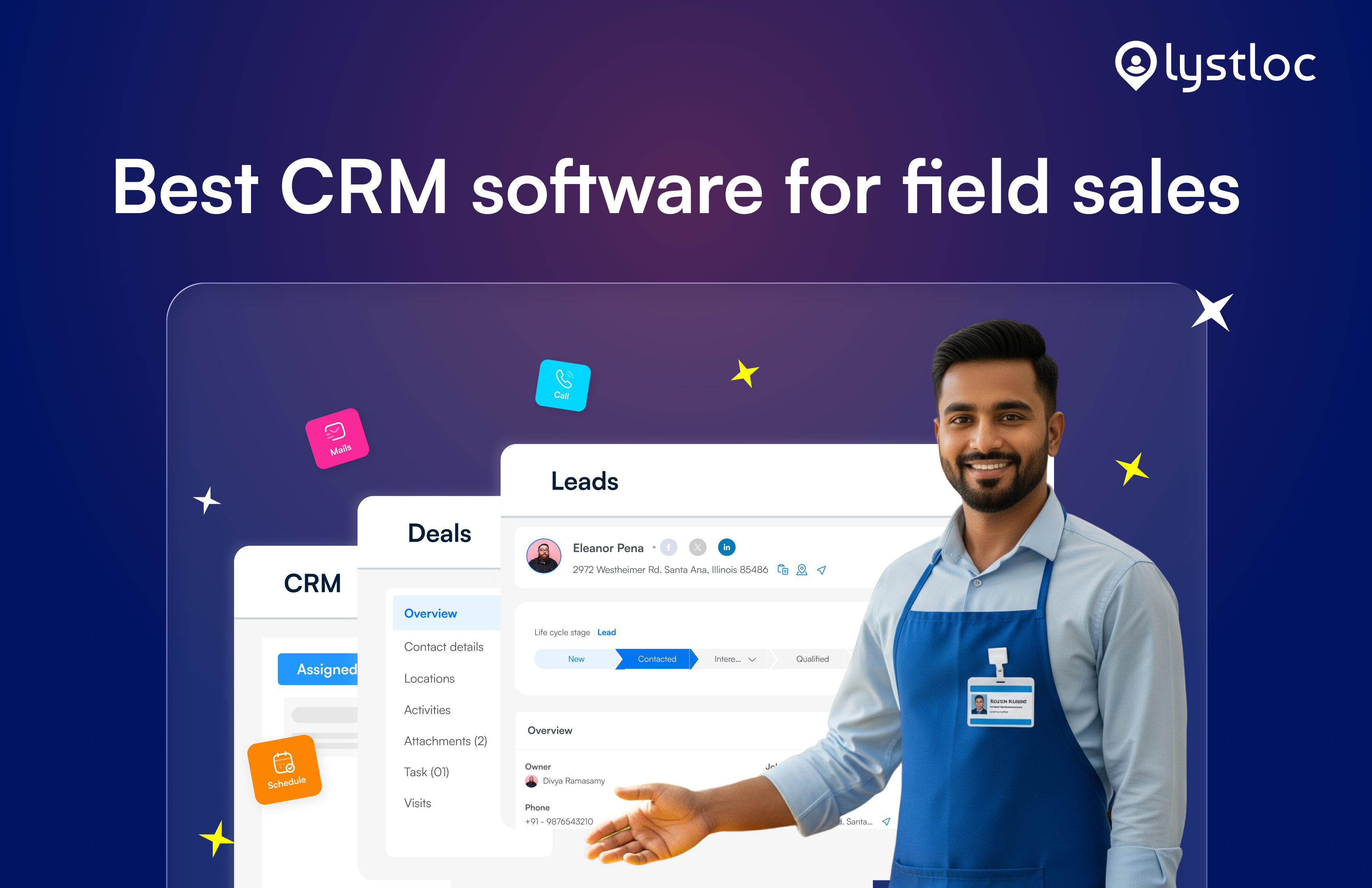
This is where Lystloc’s WhatsApp module stands apart from typical WhatsApp-CRM tools. Imagine a sales rep meeting a customer in person, then sending a follow-up message on WhatsApp later that day. That conversation is connected to the customer’s full record in the database, including the rep’s visit notes, location history, and any related tasks.
So when you open that WhatsApp chat, it’s not just a casual conversation. It’s the complete history of that customer relationship. It gives a complete picture of what has happened.
The manager doesn’t need to ask, “What happened to your last visit?” Everything is already visible in one place, connected to the rest of the customer’s activity. The link between the customer conversation and the actual field activity gives field managers real-time visibility.
An important point to be noted here is, Meta reviews every template before it goes live. It does not approve all the templates on the first try. A common reason for rejection is promotional content mistakenly submitted under a transactional category. To avoid delays, make sure your template’s content matches the right category you’re submitting. Before your campaign starts , you can cross-check every template content in prior.
What’s Next for LystCRM WhatsApp
LystCRM’s WhatsApp CRM: It supports managing multiple WhatsApp numbers under one account, saves quick replies to respond faster. We also plan for safer test-send options to make sure every campaign looks perfect, before it reaches your customers.
Whatsapp CRM for field sales helps to keep all your chats, campaigns, and follow-ups organized. It is connected to the right customer records, so you can see what’s going on and make sure everything runs smoothly.
Are you ready to use WhatsApp Business CRM for your field and sales process?
Start your free trial today!